Fixing Your 5G Mobile Signal With A Signal Boosters
If you are encountering weak or intermittent 5g mobile signal and want to enhance it using a signal booster, here are recommended step-by-step guide to help fix the problem.
Understand the Cause of the Weak Signal
Before investing in a 5g mobile signal booster, identify the root cause of the signal issue. Common reasons include:
Distance from the nearest 5G tower
Obstructions (buildings, walls, mountains, etc.)
Interference from other electronic devices
Poor coverage in rural areas
Choose the Right 5G mobile signal booster
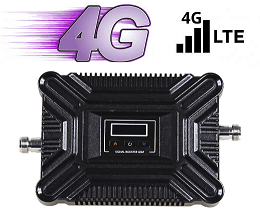
5G mobile signal booster are designed to amplify signals from nearby 5G towers, making them stronger in your home or vehicle. When purchasing a 5g mobile signal booster, ensure it supports:
Your specific carrier’s 5G bands
The frequency range of your local 5G network
A suitable coverage area (based on the size of the space you want to cover)
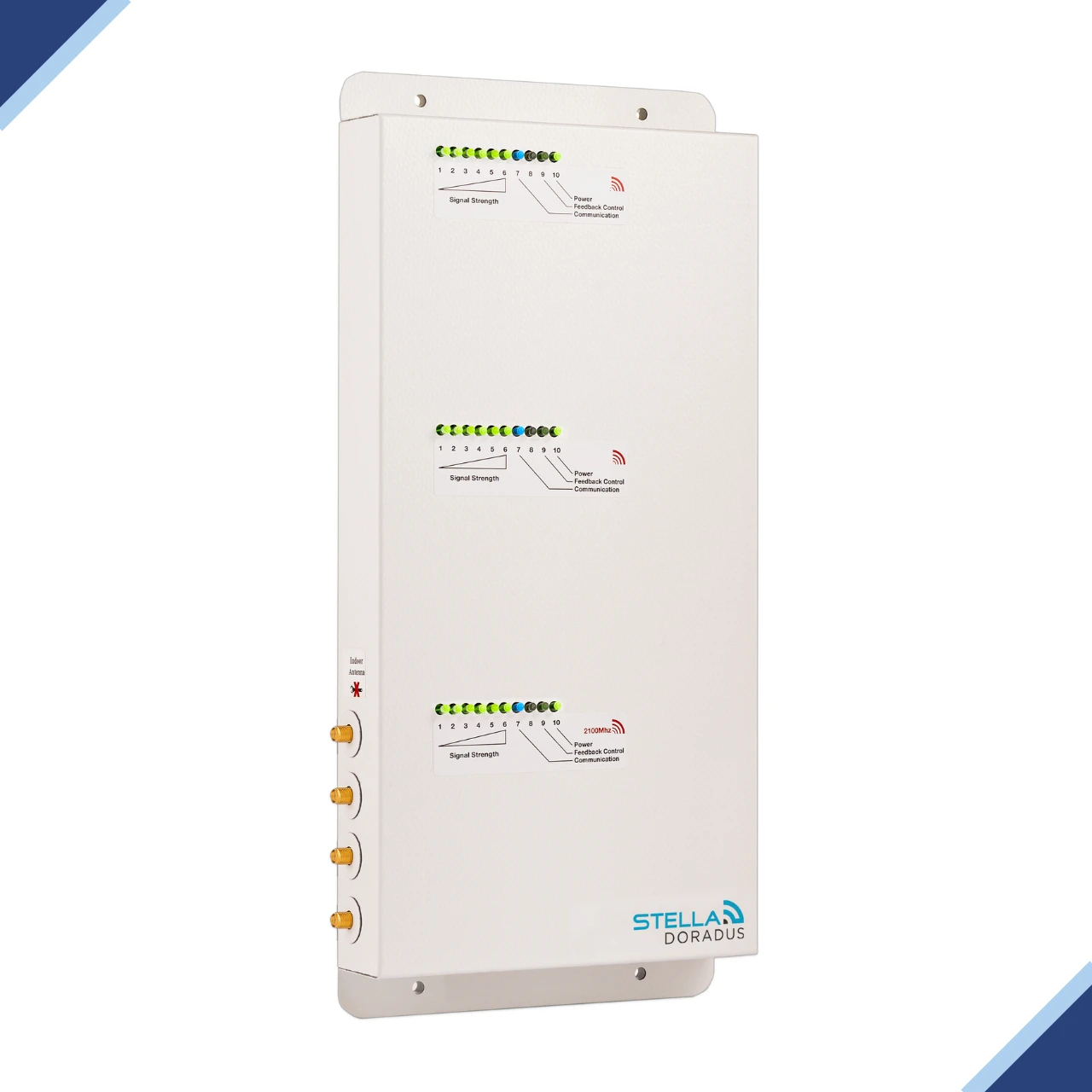
Popular brands like Hiboost, Stella Dorados, Celfi and Multiboost offers 5G mobile signal-compatible boosters for the Irish users.
Install the 5g Outdoor Signal Antenna
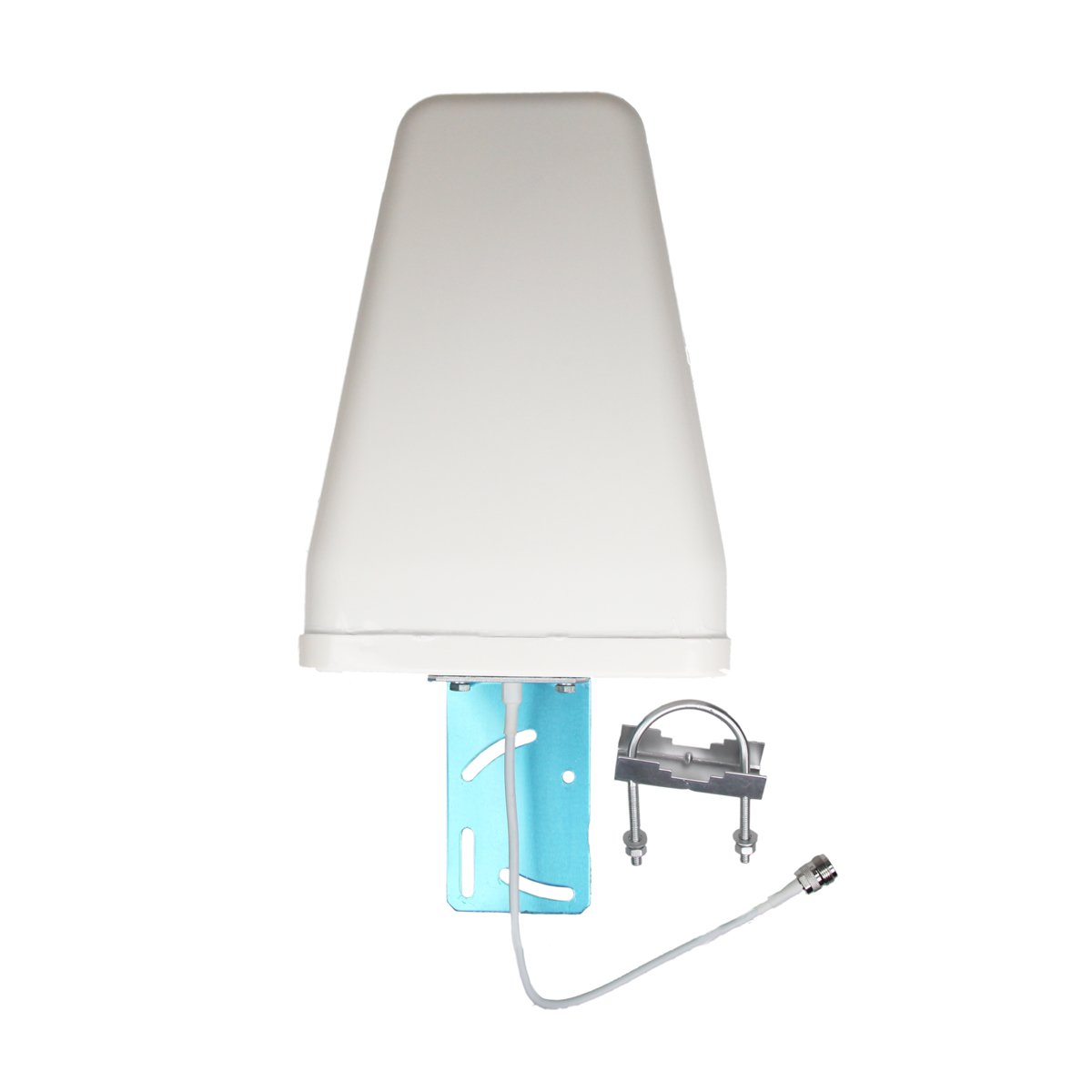
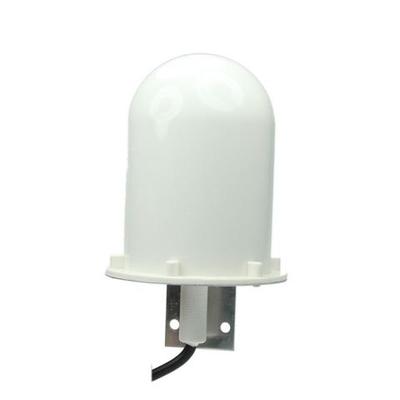
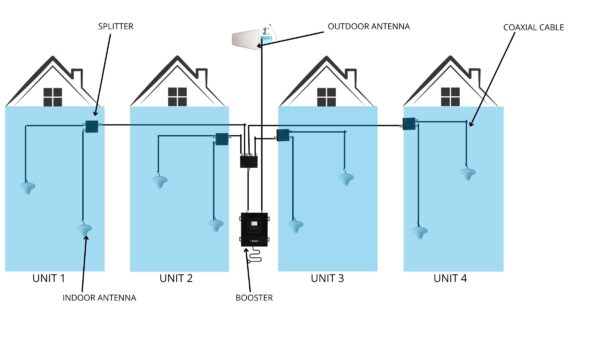
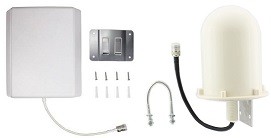
The outdoor antenna is responsible for capturing the weak 5G signal from the nearest cell tower.
Location: Place the antenna on your roof or an elevated outdoor area where the 5G signal is strongest (use your phone to test strong signal strength by moving around).
Direction: Point the antenna toward the nearest 5G tower (this can be found using apps like cellphones info lite https://play.google.com/store/apps/details?id=com.wilysis.cellinfolite&hl=en_IE&pli=1. This App is only available on android phones.
Install the Indoor Antenna for mobile phones signal
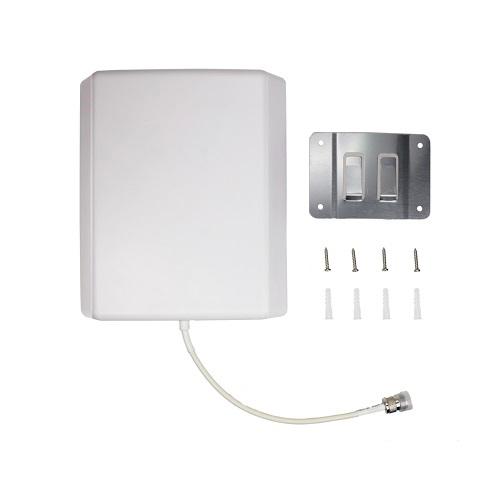
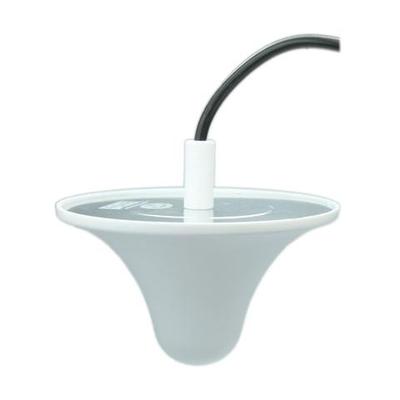
The indoor unit amplifies the captured signal and broadcasts it inside your home or vehicle.
-Positioning: Install it centrally in the area where you need the strongest signal. Ensure there is enough distance between the indoor unit and outdoor antenna to prevent interference.
Connect and Power On
– Connect the outdoor antenna to the booster unit using the coaxial cable provided.
– Power on the booster and wait for the LED lights to indicate that it is functioning correctly.
– Most boosters will adjust automatically to the signal strength, but refer to the user manual for specific adjustments.
Optimize Placement
If the signal improvement isn’t noticeable:
– Reposition the outdoor antenna to an area with better signal strength.
– Check for obstructions between the outdoor antenna and the tower (such as trees or metal structures).
– Test signal strength on different devices to confirm improvement.
Maintenance and Troubleshooting
– Check cables and connections regularly to ensure everything is tight and functioning properly.
– Monitor performance: If you notice the signal weakening again, the outdoor antenna may need repositioning, or you may need to check for new obstructions.
Additional Tips:
– Multiple Bands: Ensure your booster supports multiple 5G bands (Sub-6 GHz ) for maximum compatibility.
– Carrier-Specific Boosters: Some boosters are optimised for specific carriers (Eir, Three,Vodafone). Make sure your booster supports your carrier’s frequencies.
Following these steps, a signal booster can greatly improve the quality and stability of your connection. but check your improvement before and after with this apps https://play.google.com/store/apps/details?id=com.wilysis.cellinfolite&hl=en_IE&pli=1
Most importantly, always choose licence-approved equipment. In Ireland, all signal boosters — commercial or domestic — must be ComReg approved to ensure safety, legality, and optimal performance.
If you’re unsure which solution is right for you, our experienced technical team is ready to help you avoid costly errors and ongoing signal problems.
📞 Call: +353 2332370
📱 WhatsApp: 089 963 7584
📧 Email: [email protected]